
What Is AI? A Letter to Every Teacher Who Is a Little Afraid of It
What AI really is, and how to use it well and safely: six benefits of AI for teachers from our illustrated book What is AI?, plus a 7-day starter plan.
 Jayanthi Vijayan
· 6 min read
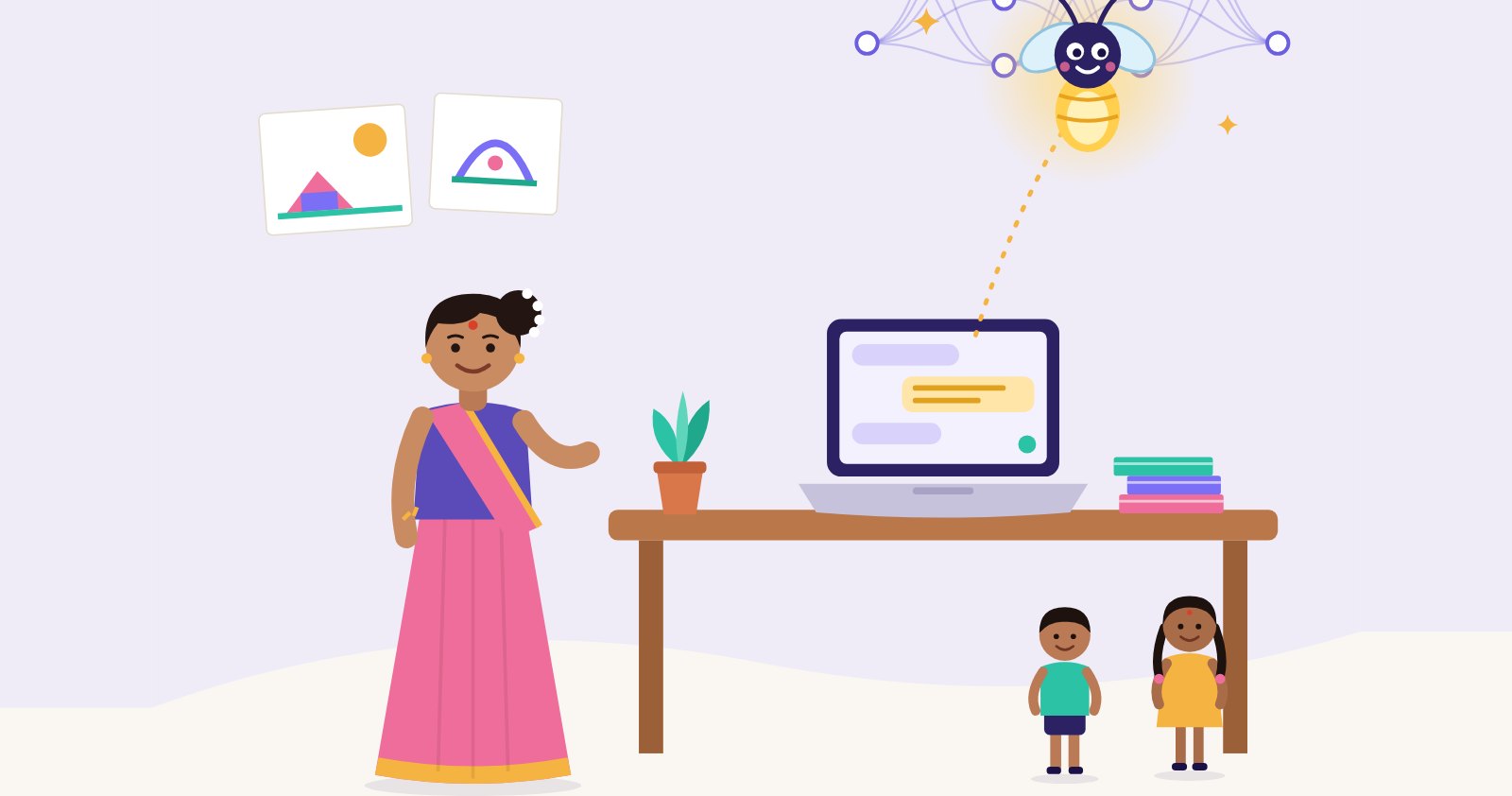
In almost every staffroom I visit this year, someone asks me the same thing, usually quietly, at the end of the day. "Ma'am, everyone talks about AI for teachers. But I don't really know what it is, and I'm a little afraid of it." Then, even more quietly: "Is it going to take my job?"
So I wrote a book to answer it. It is called What is AI? And how teachers can use it, well, safely and wisely, and in this letter I want to tell you why I wrote it and what I hope it gives you.
The question behind the question
When a teacher asks "what is AI?", she is rarely asking for a definition. She is asking three other things. Will I look foolish if I try it? Will it harm my children? Does it make me less needed?
The honest answers are no, not if you are careful, and no.
AI for teachers is not a robot in the classroom. It is a computer program that has learned from a very large number of examples, finds patterns in them, and uses those patterns to make a good guess. A chat assistant, the kind you type or speak to, has learned one skill extremely well: guessing the next word. That is why it can write a lesson plan in a minute. It is also why it can be confidently wrong, because it is predicting words that sound right, not checking whether they are true.
Once a teacher understands that, the fear usually turns into something more useful: curiosity, with care.
Meet Minmini
The book has a guide called Minmini, a firefly. மின்மினி. I chose her for a reason.
A firefly gives a small, useful light. It helps you see the path in the dark. But it is not the sun. That is how I want teachers to think about AI. It can light up a first draft, a list of ideas, a quick translation, a rhyme for tomorrow's circle time. It cannot know your children. It has never sat on the floor with a three-year-old, or watched a shy child finally raise her hand.
That knowledge belongs to you. It is the most valuable thing in your classroom, and no tool replaces it.
AI for teachers: six benefits of the book
I wrote the book for teachers who have a hundred jobs a day and very little time. Here is what I hope each reader takes from it.
- Less fear, more clarity. The first chapter explains, in plain words and pictures, how AI learns and what it can and cannot do. It also clears up the common myths, including the biggest one: that AI will replace teachers.
- Better answers, faster. A vague request gets a vague answer. Chapter 2 teaches four parts of a good prompt: Role, Task, Context and Format. "Make a worksheet on animals" becomes "a one-page worksheet for UKG on farm animals and their sounds, six questions, simple words". Same idea, far less editing.
- Time back from paperwork. Lesson plans, worksheets, circulars, report comments, bilingual notes to parents: AI can give you the first draft of all of these. Use AI for the paperwork, so you have more time for the people.
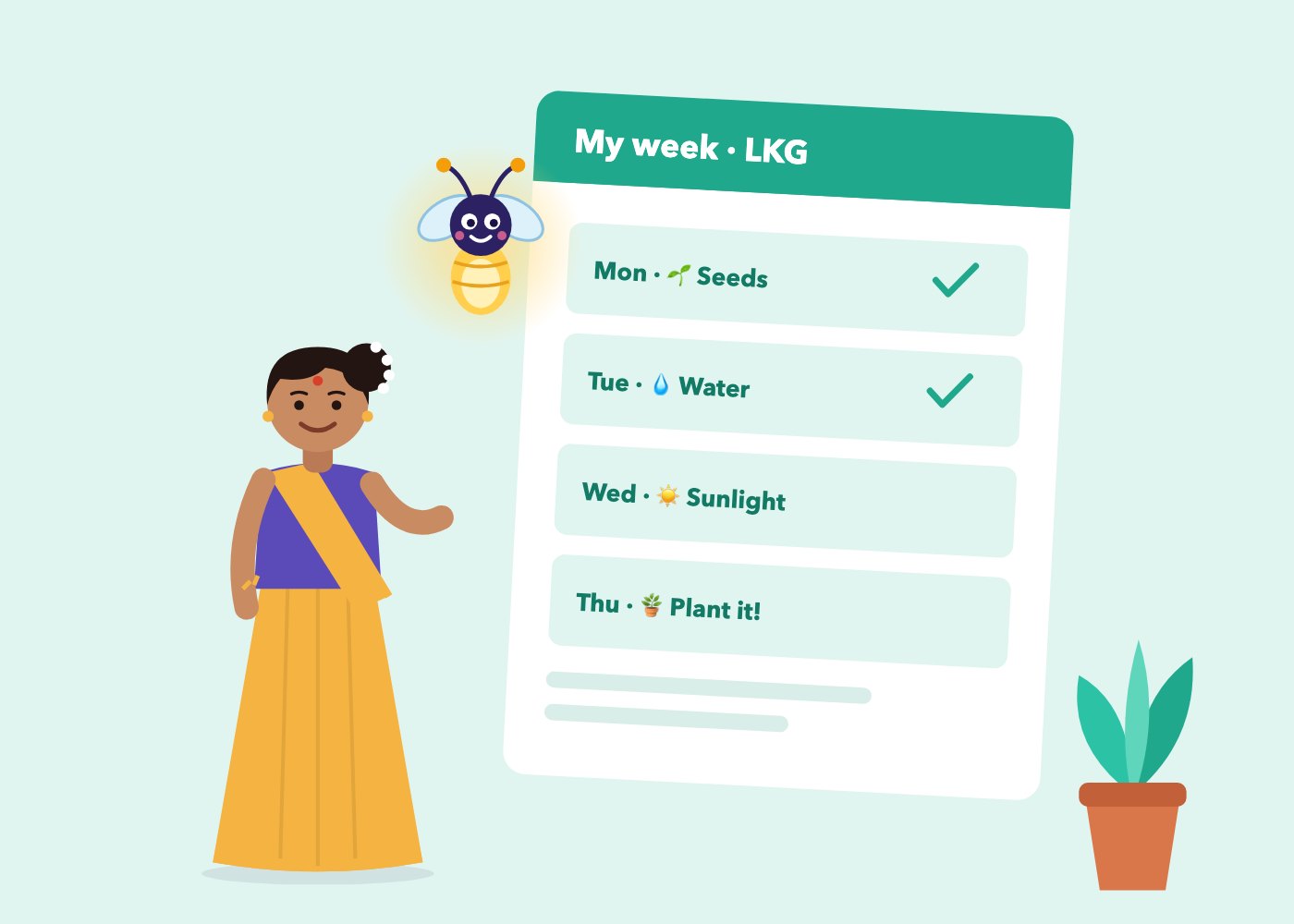
- Plans that still feel like yours. In the worked example, Ms. Kavitha asks AI for an LKG lesson on seeds. Then she swaps the English song for a Tamil rhyme her children know, cuts the story from ten minutes to five, removes the microscope her school doesn't have, and takes the children out to sow real seeds in the garden. AI drafts. You decide.
- Materials for every child. AI is good at making three versions of one activity, for children who are beginning, on track, or ready for more. It can suggest movement for a restless child, picture cues for a child who hears less, key words in English and Tamil for a child still learning English. The book is firm on one rule here: describe the need, never the child.
- Safe habits from day one. Chapter 5 gives a simple traffic-light rule. Red: never share a child's name, photo, address or health details. Amber: describe "a child", never a name. Green: topics, stories, rhymes and worksheets are fine. And it gives five checks before anything AI-made reaches a child or a parent: is it factually right, age-right, local, fair and kind?
The teacher uses AI. The child uses hands.
This is the line I care about most. In kindergarten, I do not want children talking to chatbots. Young children learn through their bodies, their senses and their relationships: sand, water, songs, games, stories, and a caring adult who notices them.
I am not alone in this. UNESCO's guidance on generative AI in education asks countries to protect learners' data privacy and to set an age limit for children's independent conversations with these tools.
So the book is clear. In the early years, the teacher uses AI to prepare, and the child uses hands. In primary school, a teacher might show AI to the class and ask together, "How do we know this is true?", which is a fine lesson in thinking. But the best use of AI in a kindergarten is often invisible to the child. It is the extra twenty minutes the teacher now has, spent in the garden, or playing Pallankuzhi on the floor.
Start with one week
You don't need to master AI. You only need to begin, carefully. The last chapter is a seven-day starter plan, twenty minutes a day:
- Day 1: Say hello. Ask an AI assistant to explain itself to a kindergarten teacher.
- Day 2: Plan one lesson you teach next week, using Role, Task, Context and Format.
- Day 3: Ask for a short story, then make it local in two follow-ups.
- Day 4: Ask for "10 facts" about an animal and check each one in a book.
- Day 5: Write a parent message in English, then ask for Tamil or Hindi, and have a colleague check it.
- Day 6: Turn one activity into three levels, and try them with real children.
- Day 7: Reflect, and sign your own AI promise.
Do it with a colleague if you can. Five minutes in the staffroom comparing answers teaches more than an hour of reading.
Read it free first
The book is 30 illustrated pages, read on your phone, tablet or computer. You can read eight pages free at sarvamekam.in/what-is-ai, including Meet Minmini, the contents, my letter to teachers and the four parts of a good prompt. The whole book is ₹299 for a year.
If you would like to learn alongside other teachers, our two-day live online workshop, AI for Teachers, follows the same five sessions and ends with a certificate.
To every teacher with that quiet question: no, it is not going to take your job. Your job was never the paperwork. It was always the child. Let the firefly carry a little of the load, so you have more light left for them.
With warmth, Jayanthi
Questions parents and teachers ask
What is AI, in simple words for teachers?
AI is a computer program that learns from a very large number of examples, finds patterns, and uses them to make a good guess. A chat assistant has learned to guess the next word very well, which is why it can draft a lesson plan quickly, and also why it can sometimes be confidently wrong.
How can teachers use AI in the classroom?
Mostly to prepare: first drafts of lesson plans, stories, rhymes, worksheets, report comments and bilingual notes to parents. The teacher then checks, edits and makes the material local before it reaches children.
Is it safe for teachers to use AI?
Yes, with simple habits. Never type a child's name, photo, address or health details. Describe 'a child' instead. Check every fact, and make sure the material is right for the age, local, fair and kind.
Should young children use AI?
In kindergarten, no. Young children learn through their hands, senses and relationships. The teacher uses AI to prepare, and the child plays, builds, sings and explores.
What is the What is AI? book and how much does it cost?
A 30-page illustrated guide by Sarvam Ekam for kindergarten and primary teachers, with six chapters and a 7-day starter plan. Read eight pages free at sarvamekam.in/what-is-ai; the full book is ₹299 for a year, read on screen.
More Letters from the Founder →
Jayanthi Vijayan
Founder of Sarvam Ekam. Jayanthi works with kindergartens across India on audits, teacher training and curriculum design, bringing together Waldorf, Montessori, Reggio Emilia and traditional Indian play.
Connect on LinkedIn →